What is Ngrok :- Ngrok is a multi-platform application that provides us to forward our local development server to the internet without port forwarding. Ngrok hosts our locally hosted web server in to a subdomain of ngrok.com. That means we can easily show our localhost in the internet without owning domain names/static IP or port forwarding.
Installation
Open your browser and Google search “ngrok download” or you can also visit the link given below, which is the link to official site.
Official link – 𝙽𝚐𝚛𝚘𝚔
Complete your login process.
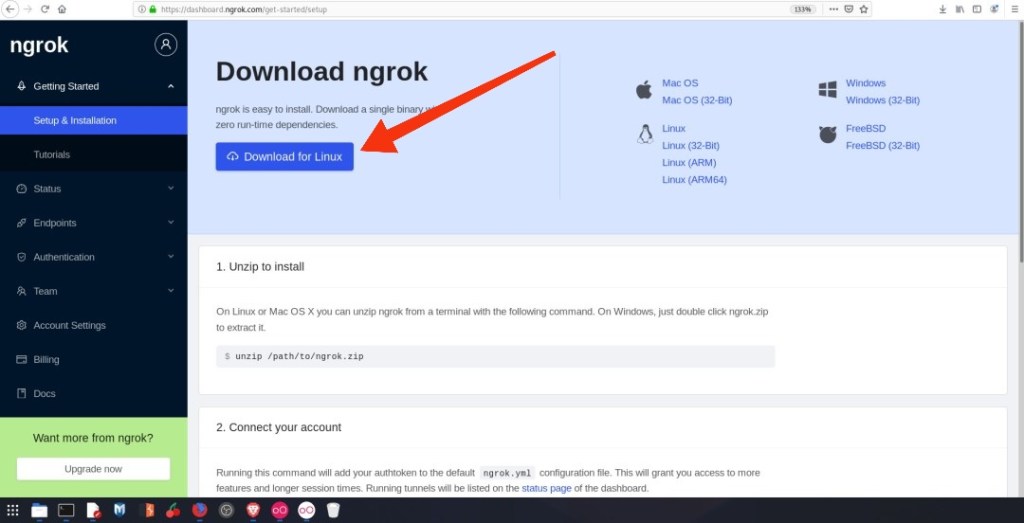
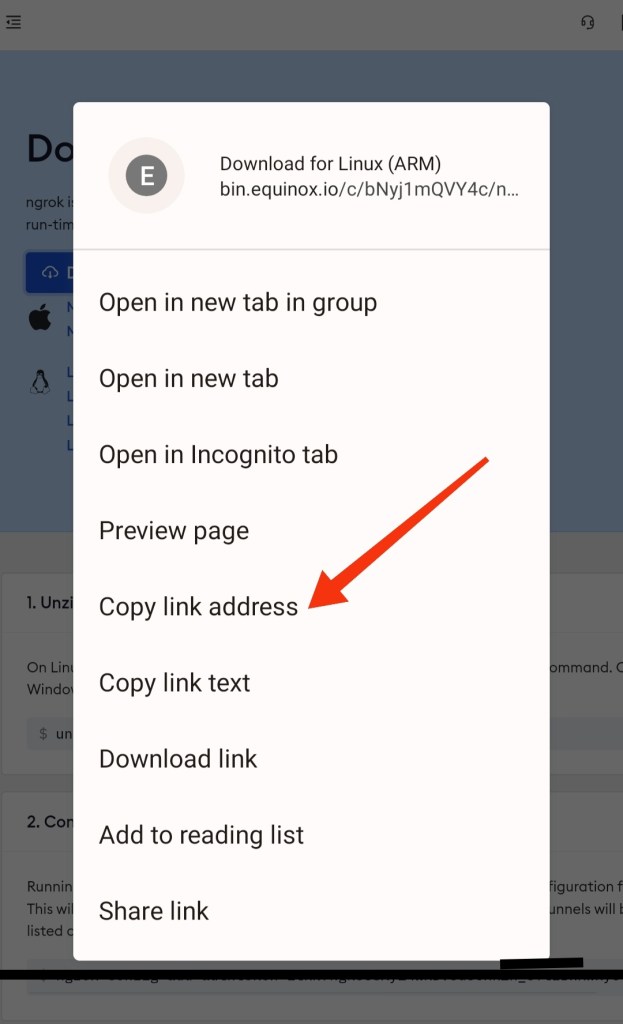
Installation command :-
- apt update & apt upgrade
- pkg install wget -y
- wget https://bin.equinox.io/c/bNyj1mQVY4c/ngrok-v3-stable-linux-arm64.tgz && tar -xzvf ngrok-v3-stable-linux-arm64.tgz && ./ngrok
- ./ngrok authtoken
📝✅Note: Replace YOUR_AUTH_TOKEN_HERE with your auth token.
Running the above command will add your auth token to your ngrok.yml file. Connecting an account will list your open tunnels in the dashboard, give you longer tunnel timeouts.
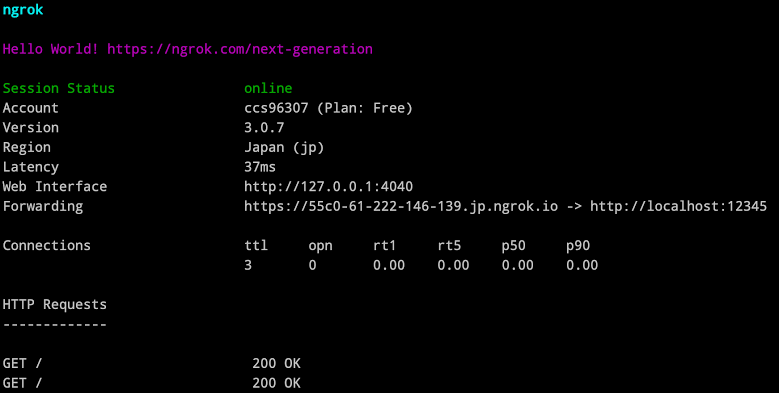
Hence Ngrok has been successfully installed in your device. Use the below command to see how to use Ngrok
- ./ngrok help
📝✅Note: To solve Ngrok reconnecting issue open your mobile hotspot and start Ngrok again.
- ngrok http 8080
⠀ ︵ ~ thanks for visiting👀
(”\(●-●)
\ / \ \
( )”
\__T__/
For contact📞
 Cyber tech zone