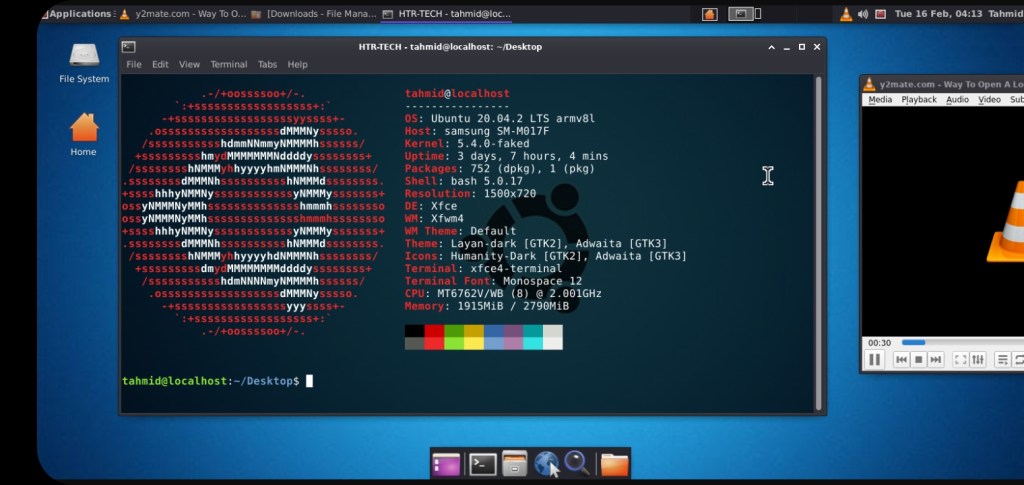
Run Ubuntu GUI on your termux with much features.
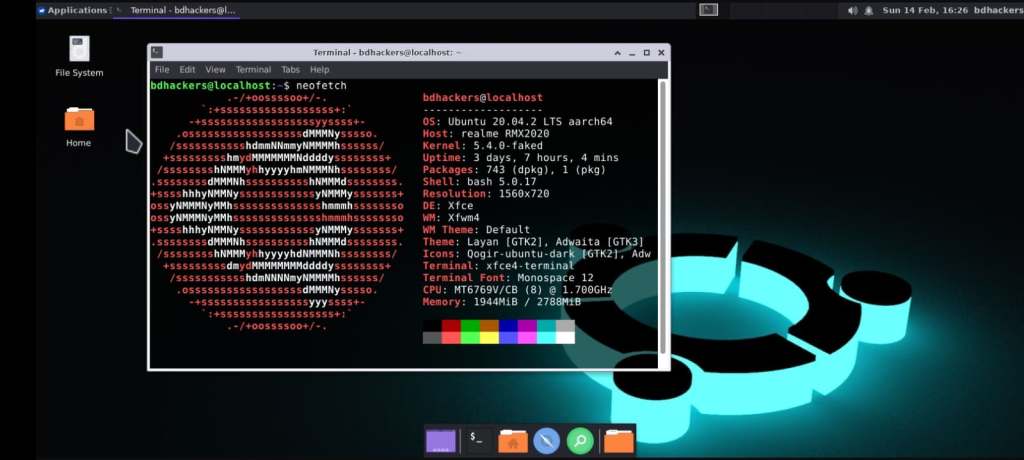
1. Download latest version of termux.
Features :
- Fixed Audio Output
- Lightweight {Requires at least 4GB Storage}
- Katoolin3 tool for installing kali tools
- 2 Browsers (Chromium & Mozilla Firefox)
- Supports Bangla Fonts
- VLC Media Player and MPV media player
- Visual Studio Code (buggy on arm )
- Sublime Text Editor (only for arm64/aarch64)
- Easy for Beginners
- Comes with some cool themes.
Installation Ubuntu :
- pkg update -y && pkg upgrade -y
- pkg install git wget -y
- git clone https://github.com/modded-ubuntu/modded-ubuntu.git
- cd modded-ubuntu
- bash setup.sh
- Then Restart your Termux & Type the following commands
- ubuntu
- bash user.sh
- Type your ubuntu root username. Must be lowercase & no space included.
- Then Again Restart your Termux & Type the following commands.
- ubuntu
- bash gui.sh
- GUI mode 👇
- You have to note your VNC password !!
- Ubuntu image is now successfully installed.
- vncstart to run Vncserver
- vncstop to stop Vncserver
2. Download VNC viewer

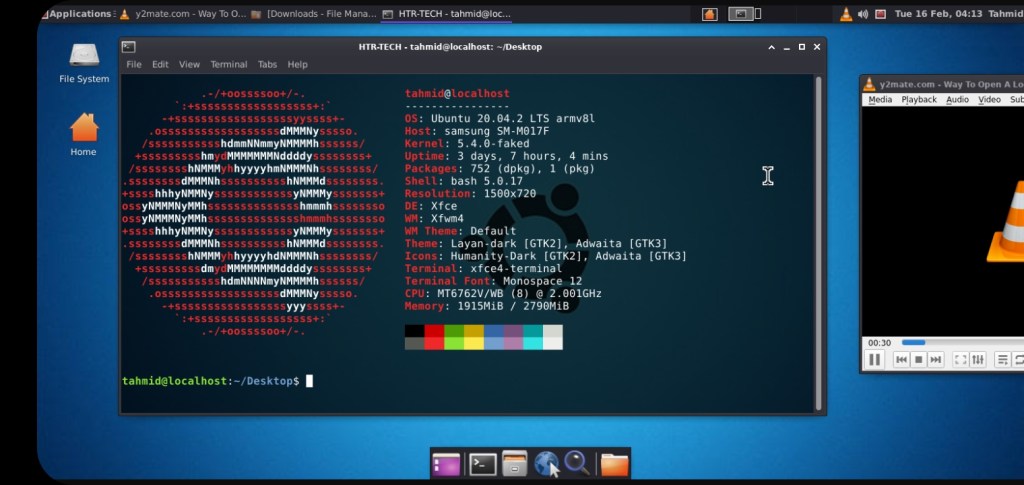
Enjoy😊 modded Ubuntu
Note :
- Type ubuntu to run Ubuntu CLI.
- Type vncstart to run Vncserver.
- Type bash remove.sh to remove Ubuntu Modded OS
For contact📞
 Cyber tech zone